

- Update the delivery details before a delivery is created (contact details, addresses, times, and requirements) e.g. E-Commerce Checkout Experience
- Understand whether the order meets the criteria to become a delivery (validation) e.g. Error handling as early as possible
- Batch orders through Nash Platform (not optimized or batched on your end) e.g. Optimizing catering routes
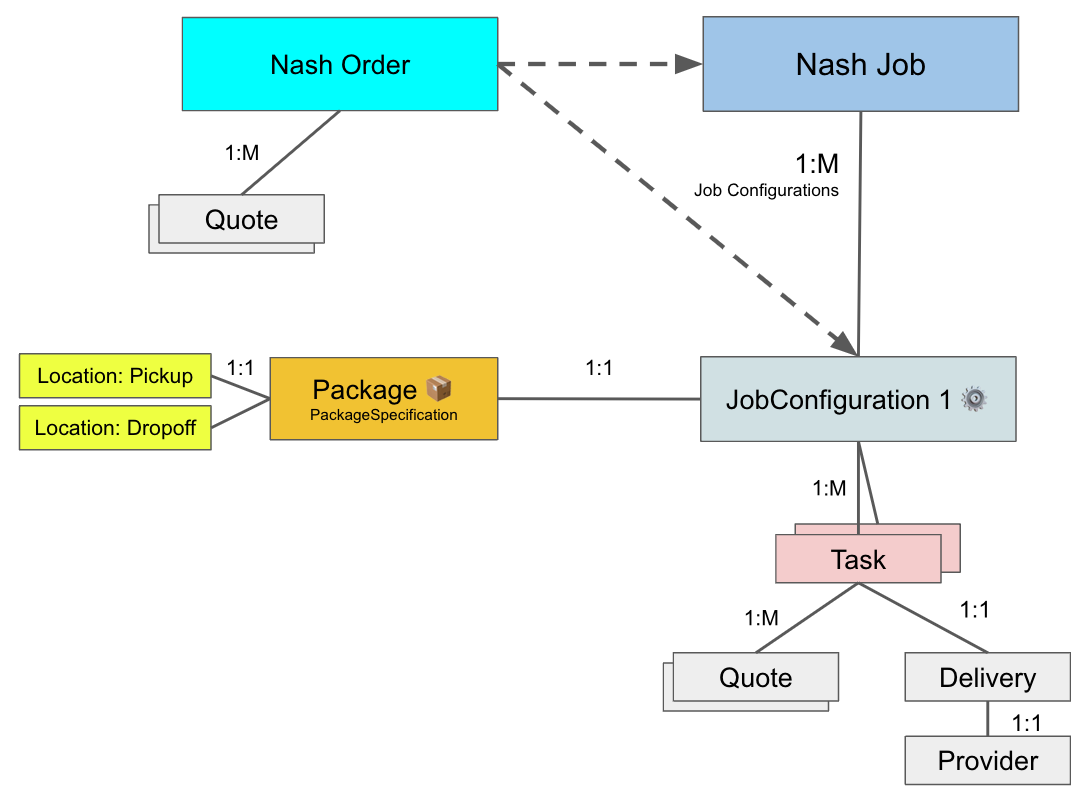
When one or more Orders are dispatched, they become a Job.
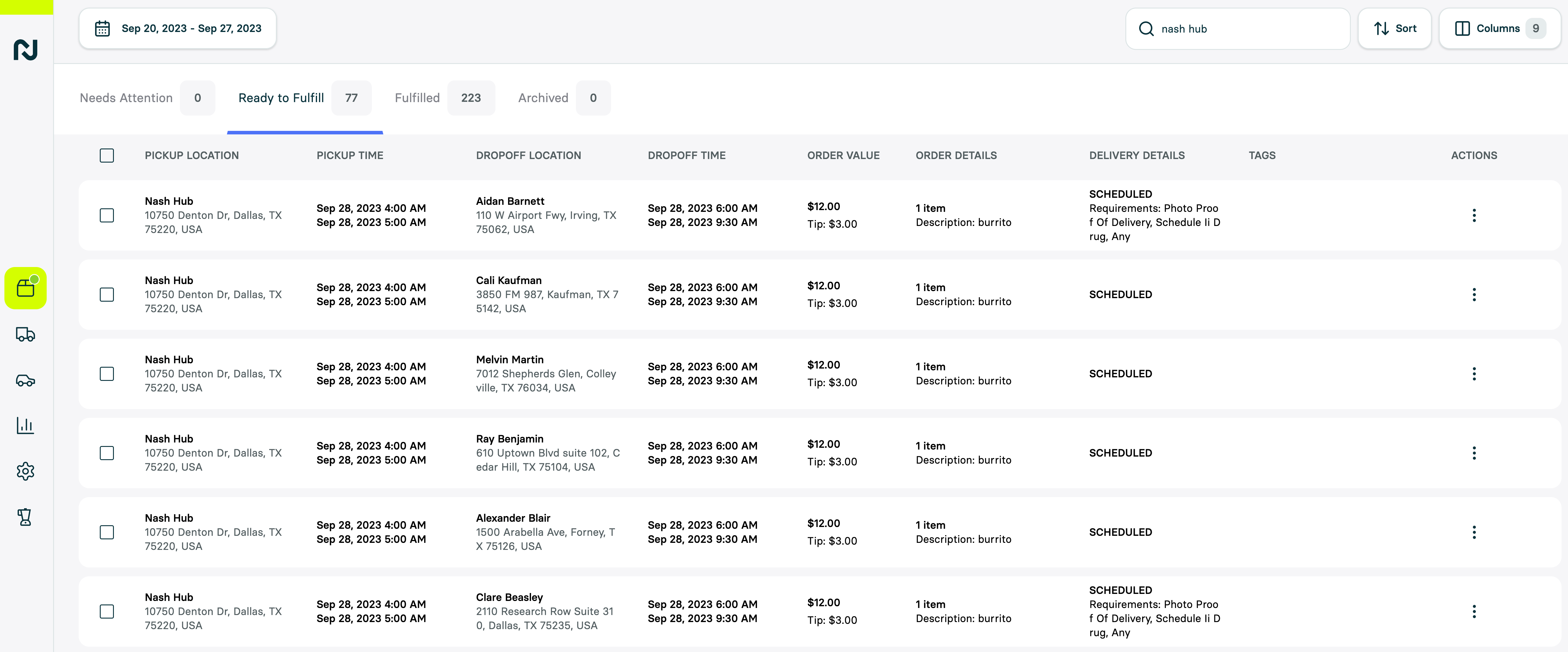
Order data model
 Order status
needs_attention: The order requires attention due to some data issues (e.g. invalid address)valid: The order is valid and is ready to be dispatched to a Nash Job & Delivery.dispatched: The associated Nash job is found inorderMetadataor by clicking on the action “view dispatched job”archived: The order has been archived and is moved to the archived tab in the Nash Portal.
%Y-%m-%dT%H:%M:%S.%f